Find a unit
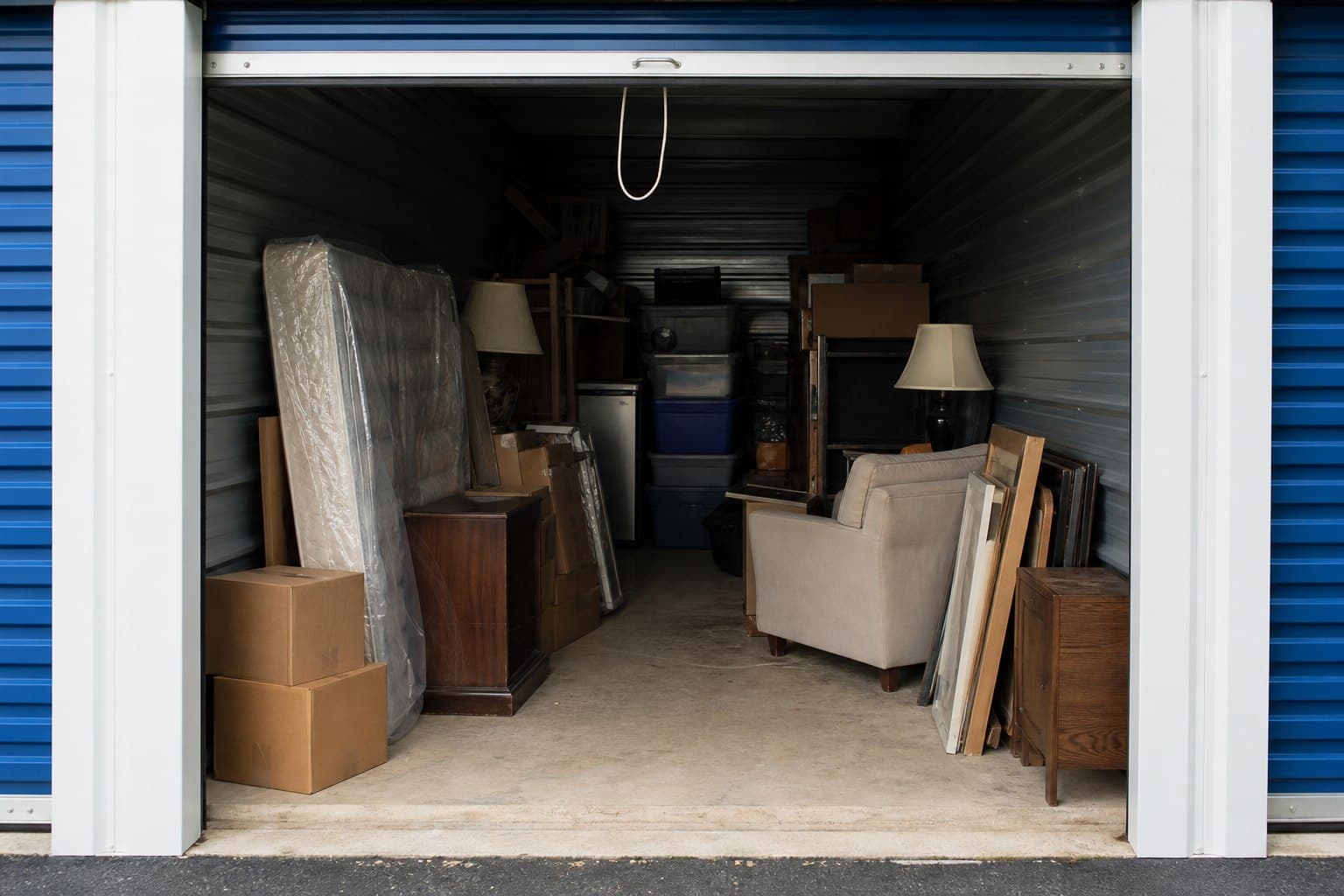
When listings are available, search by city or facility. Review photos, status, closing time, currency, and pickup deadline. Visible contents are not guaranteed.
STORbids is an online storage-auction marketplace connecting bidders with storage facilities. Facilities offer the unit contents; STORbids provides the bidding, buyer-premium payment, and pickup workflow.
Public bidding is not open yet. This guide explains the marketplace workflow for the Ontario launch, beginning in Southern Ontario.
Reviewed by STORbids on .
Bid online, then collect the contents at the storage facility. Check that you can meet the pickup deadline before committing to a bid.
When listings are available, search by city or facility. Review photos, status, closing time, currency, and pickup deadline. Visible contents are not guaranteed.
Create a buyer account, verify your email, add an authorized card, and accept the auction terms before bidding.
See what StorBids charges to your card and what you must pay in person at the facility before you confirm a bid.
After a win, pay the buyer premium to StorBids, pay every other amount in person at the facility, schedule an appointment, and complete cleanout proof.
Your budget includes the winning bid, buyer premium, applicable taxes, facility fees, and cleaning deposit, plus your transport and disposal costs. STORbids charges only the buyer premium to your authorized card; all other amounts are paid in person at the facility. Deposit return follows the facility's disclosed terms.
The current bid can change before closing. STORbids has not published a verified typical sale price. Read about auction prices and check the listing's currency and cost breakdown.
Complete the buyer-premium payment first. Pickup instructions and scheduling become available after payment is confirmed.
Do not arrive before an appointment is confirmed. See the pickup policy for deposits, helpers, deadlines, and restricted discoveries.
Facilities supply listing information and control physical pickup. They remain responsible for their authority to sell and applicable sale requirements; STORbids does not provide legal advice.
Manager access is reviewed before facility settings and listing tools are enabled.
Add unit details, visible-item descriptions, auction media, costs, deadlines, and pickup terms.
Pass automated safety and readiness checks, resolve flagged media or missing details, and complete review when required before publication.
Track auction close, premium status, pickup appointments, and cleanout completion from the manager workspace.
Review bidding, payment, pickup, withdrawal, and visible-content standards. For local availability, read the Ontario auction answers.